Teachable Pricing: Which Plan Actually Pays Off?
Teachable pricing explained plan by plan, plus the simple revenue math that tells you exactly when an upgrade pays for itself.
Teachable pricing comes down to one number: how much course revenue you collect each month. Under roughly $700/month, the cheapest paid tier wins. Above it, the transaction fee on the low tiers costs more than the upgrade does, and you should move up.
Bottom line
- Selling nothing yet? Start on the free plan and pay only transaction fees.
- Collecting $700–$1,000+ per month? The zero-transaction-fee tier (Builder) is usually cheaper than staying on Starter.
- The top tiers are bought for affiliates, team seats, and reporting — not for fee savings.
Check Teachable’s current plans before you commit, because tier names and prices get reshuffled more often than most platforms.
What each Teachable plan costs
Teachable sells four paid tiers plus a free plan, billed monthly or annually, with annual billing discounted roughly 20–30%. The prices below are annual-billing equivalents and should be treated as ballpark figures — verify on the pricing page.
| Plan | Roughly costs | Transaction fee | What it unlocks | Best for |
|---|---|---|---|---|
| Free | $0 | ~10% + per-sale fee | One published product, core course builder | Validating an idea before you spend |
| Starter | ~$39/mo | ~7.5% | More products, coaching, email support | First sales, under ~$700/mo |
| Builder | ~$89/mo | 0% | Custom domain, unlimited courses, graded quizzes, integrations | The default for a real business |
| Growth | ~$199/mo | 0% | Affiliate program, advanced reports, extra admin seats | Scaling with partners or a team |
| Advanced | ~$499/mo | 0% | Higher seat counts, priority support, bulk tooling | Multi-person course operations |
Two costs sit outside that table. Payment processing (about 2.9% + $0.30 per transaction in the US) applies on every plan, on every platform — that is Stripe and PayPal, not Teachable. And the free plan’s per-sale dollar fee hurts most on cheap products: on a $19 tripwire, a flat dollar plus 10% is a brutal margin.
Is the free Teachable plan worth using?
Yes, if you have not made a sale yet. The free plan lets you build and publish one paid product and charges only transaction fees, so your cost is zero until money moves. It is a validation tool, not a home.
The limits are real, though. One published product means no upsell, no bundle, no second course. You are on a Teachable subdomain, not your own domain. And the ~10% cut plus a per-sale fee is the highest rate in the lineup.
Use it for exactly one job: prove that strangers will pay for your thing. Once two or three people have, the free plan starts costing you money in fees and credibility.
When to upgrade from Starter to Builder
Upgrade to Builder once you collect about $700 per month or more. Builder costs roughly $50/month more than Starter but drops the transaction fee from ~7.5% to 0%, so $50 ÷ 0.075 ≈ $667 in monthly revenue is the break-even point.
Here is the same math at three revenue levels:
- $400/month: Starter fees ≈ $30. Total ≈ $69. Builder ≈ $89. Stay on Starter.
- $700/month: Starter fees ≈ $53. Total ≈ $92. Builder ≈ $89. Dead heat.
- $2,000/month: Starter fees ≈ $150. Total ≈ $189. Builder ≈ $89. Upgrade immediately — you are burning $100/month.
At $5,000/month, staying on Starter costs about $375 in platform fees versus $89 on Builder. That gap is nearly $3,500 a year for no additional capability, which is why we treat Builder as the real starting plan for anyone with an audience.
Builder also removes the ceilings that quietly cap revenue: your own domain, unlimited courses, graded quizzes and certificates, and the integrations that let you pipe buyers into your email tool. Our Teachable review goes deeper on what the builder itself feels like to use.
Start on Teachable and upgrade when the math says so.
When Starter is the right answer
Starter makes sense in one specific window: you have made a few sales, you need more than one product, and you are still under about $700/month. It buys you room to build a catalog without a $89 commitment.
Be honest about how long that window lasts. If you have an email list of a few thousand people and a launch planned, you will pass the break-even point in your first week and the upgrade decision is already made. If you are drip-selling a $49 course to cold Pinterest traffic, Starter may serve you for months — see Pinterest marketing for digital products for how that traffic actually converts.
One more Starter trap: coaching and one-off calls are included, but the 7.5% cut applies to them too. High-ticket coaching at $1,500 a client means $112 to Teachable per sale. Two clients a month and Builder pays for itself twice over.
Is Growth or Advanced worth the jump?
Only if a specific feature will generate more than the price difference. Growth costs roughly $110/month more than Builder and saves nothing on fees, so it has to earn its keep through the affiliate program, advanced reporting, or additional admin seats.
The affiliate program is the usual justification. If you can recruit even a handful of partners who each sell one $200 course a month, Growth pays for itself and then compounds. If you have no one to recruit, the feature is dormant and you are paying $1,300 a year for a reporting dashboard.
Advanced is a staffing decision, not a revenue decision. You move up when you have enough people touching the account — a VA, a course producer, a customer support contractor — that seat limits and permissions become a daily friction. Below three or four people, it is hard to justify.
How Teachable’s pricing compares
Teachable’s transaction fee on the lower tiers is its most distinctive pricing choice, and it is the thing most likely to make a competitor cheaper for you. Platforms that charge 0% at every paid tier can be a better deal for sellers stuck in the $200–$700/month range.
Thinkific, for example, does not take a cut of sales on its paid plans, which changes the comparison meaningfully at low volume — we broke that down in Teachable vs Thinkific. Kajabi bundles email marketing and funnels into a higher base price, which looks expensive next to Builder until you price the tools it replaces; Kajabi vs Teachable runs those numbers. And Podia’s flat pricing appeals to sellers who want one bill and no tier math.
None of that makes Teachable the wrong pick. It has the cleanest student experience in its price range and the lowest learning curve of the major platforms, which matters more than $20/month if it is the difference between launching and not launching. If you already know Teachable is your platform, pick your plan here and start with the one the math supports.
Who should pick which plan
Free: You have an idea and no buyers. Publish one product, get three sales, then move.
Starter: You are under ~$700/month, need more than one product, and want the lowest fixed cost while you figure out what sells.
Builder: You are at or above ~$700/month, or you sell anything high-ticket, or you want your own domain and real integrations. This is the plan most working creators should be on.
Growth: You have partners to recruit or a team to give access to. The affiliate program has to be something you will actually run.
Advanced: You are running a course business with staff, not a solo operation.
FAQ
Does Teachable take a cut of my sales?
On the free and Starter plans, yes — roughly 10% and 7.5% respectively, plus a per-sale fee on the free plan. Builder, Growth, and Advanced charge 0% transaction fees. Payment processing fees from Stripe or PayPal apply on every plan regardless.
Is annual billing worth it on Teachable?
Annual billing discounts the price by roughly 20–30%, which is real money on Builder and up. Pay annually once you have sold consistently for two or three months — not before, because a platform switch in month two makes the discount worthless.
Can I downgrade a Teachable plan later?
Yes, plans can be changed in your account settings, but downgrading can restrict features you are already using, such as the number of published products or custom domain access. Export your student data and check which limits apply to the lower tier before you switch.
What does Teachable cost if I sell nothing?
Nothing on the free plan, since there are no fixed fees and transaction fees only apply to sales. On paid plans you pay the monthly price whether or not you sell, which is the main argument for staying free until you have proven demand.
Start where the math says, not where the marketing does
Pick the cheapest plan that does not tax your growth. That means the free plan while you validate, Starter for a short window, and Builder as soon as your monthly revenue clears about $700 — at which point the zero-fee tier is genuinely cheaper, not just better.
If you are still deciding what to build, how to sell an online course on Teachable walks through the launch itself. If you are ready to publish, create your Teachable account free, ship one product, and let the revenue tell you when to upgrade.
Tools mentioned in this article
Keep reading
Teachable vs Systeme.io for Your First Online Course
Teachable or Systeme.io for your first course? A plain comparison of pricing, fees, ease of use, and which one actually fits a first launch.
How to Sell an Online Course on Teachable: Setup to First Sale
Step-by-step guide to selling an online course on Teachable: pick a plan, build your course, set pricing, launch a sales page and land your first sale.
Best Online Course Platforms for Creators
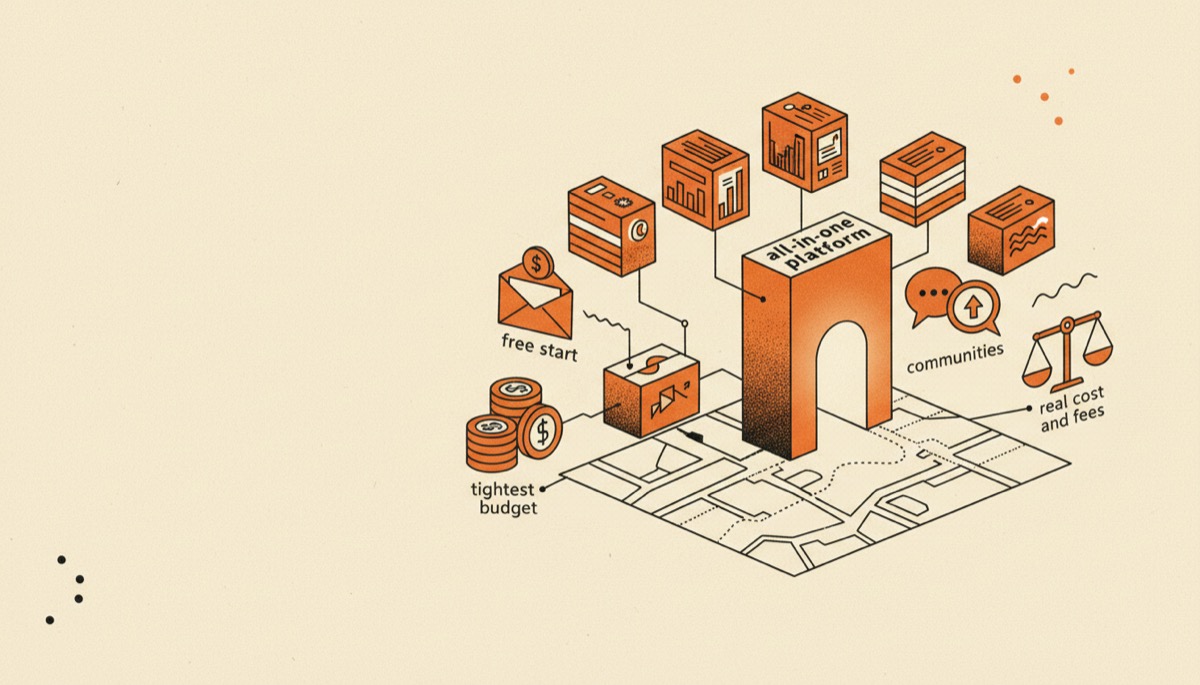
Seven course platforms compared by real cost and fees, with a clear pick for a free start, all-in-one, communities, coaching and the tightest budget.

Kajabi Review: Worth the Price, or Overkill?
An honest Kajabi review: what the all-in-one price really buys, which creators get their money back, and who should pick something cheaper instead.